
'%20id='ico-down'%20stroke='%23000000'%20stroke-width='1.5'%3e%3cg%20transform='translate(1092.250000,%20254.750000)'%3e%3cpolyline%20id='Path-2-Copy-4'%20transform='translate(5.500000,%202.750000)%20scale(1,%20-1)%20rotate(-180.000000)%20translate(-5.500000,%20-2.750000)%20'%20points='0%200%205.5%205.5%2011%200'%3e%3c/polyline%3e%3c/g%3e%3c/g%3e%3c/g%3e%3c/svg%3e)



This 2026 guide explains what PromptPay is, which route may work for you, and how Wise could serve as an alternative or backup.
Not every market QR code will work with your home app. If you’re still in the midst of setting up a bank account in Thailand, this guide offers some workable alternatives in the meantime.
Living in Thailand? Wise supports PromptPay
With a Wise account linked to a registered Thai address, you may be able to:
- Scan and pay PromptPay and Thai QR codes
- Send money to any PromptPay ID, up to 10,000 THB per transaction
- Receive payments through an e-wallet ID or PromptPay QR
- Use the Wise Card as a backup wherever cards are accepted

Key takeaways
- PromptPay is Thailand’s national payment infrastructure for person-to-person transfers and Thai QR merchant payments.
- PromptPay usually links a mobile number or Thai Citizen ID to an existing Thai bank account, so it is not normally a separate stored-value wallet.
- Foreign residents with an eligible Thai bank account often have the clearest route, but bank onboarding rules can differ by branch and document type.
- If you do not have a local account yet, alternatives such as cross-border partner apps, cards, cash, or Wise may be more realistic than full PromptPay registration.
- Before you rely on any route, be sure to verify current support, limits, and eligibility with the bank, TAGTHAi, or Wise.
What PromptPay is and how it works
PromptPay is a digital payment infrastructure used across Thailand, and built into the country’s banking system. Most people access it through a Thai banking app, internet banking, an ATM, or another supported route.
A PromptPay ID is the easy-to-remember identifier linked to the receiving account. This can be a mobile number, a Thai Citizen ID, or, in some cases, another registered identifier.
In daily life, PromptPay is used in two main ways. You can send money directly to another person using their identifier, or you can pay a merchant by scanning a Thai QR code–the national QR standard used for many local payments.
As PromptPay is embedded in each Thai bank’s official app (think K PLUS, Krungthai NEXT and so on), there isn’t a universal app you can download to use it. However, there are third-party applications for foreigners including One Wallet, TAGTHAi, and PromptPay, the latter of which was also independently developed. Certain foreign banks and digital wallets also accept PromptPay QR code payments, including DBS, UOB, and Alipay.
Is PromptPay linked to a bank account?
In most cases, yes. PromptPay normally connects an identifier to an existing Thai bank account, which is why the account setup comes first.
In practice, you will usually need an eligible account, a registered mobile number that matches the bank’s records, and a channel that supports registration and payments. Rules can differ by bank, and sometimes by branch.
Before you try to register, check these points with your bank:
- An eligible account type
- A mobile number on file
- Mobile or internet banking access
- Your transfer and payment limits
- Whether passport-based registration is accepted for foreigners
What “smart PromptPay sav deposit” may mean in a banking app
If you see a label such as “smart PromptPay sav deposit”, treat it as a bank-specific label, not a universal PromptPay feature. It may refer to a savings deposit destination or a transfer option inside that bank’s interface, but names vary, so it’s best to check the bank’s help pages or seek out branch or in-app support.
Can foreigners use PromptPay in Thailand?
Yes, in some cases. This depends on whether you’re a resident with a Thai bank account, a newcomer without one yet, or a short-stay visitor.
If you have a Thai bank account
If you are a foreign resident with an eligible Thai bank account, you can often use PromptPay much like a local customer. But banks handle foreigner registration differently.
Some banks let you set it up in the app, internet banking, ATM, or branch. Others may ask you to visit a branch, and some may only accept certain account types or want the same mobile number already registered to the account. At Bangkok Bank, for example, foreigners can register with a passport and connect a mobile number to an eligible account.

Writer
Rebecca
Insider tip
A branch may advertise foreigner-friendly account opening, but staff can still ask for extra paperwork such as address proof or visa evidence, so call the exact branch before you go and bring more documents than the minimum list.
If you don’t have a Thai bank account yet
Full PromptPay registration is usually not the same as tourist QR access or cross-border QR access.
More realistic backups include TAGTHAi Easy Pay, a partner app from a country linked to Thailand’s cross-border QR network, or Wise as a way to send money in, hold funds, use the Wise Card, and pay supported QR codes where your setup allows. If you plan to use TAGTHAi, in-person registration is required. Keep in mind that its process and limits are also subject to change.
If you are paying mostly at malls or larger chains, a card may be enough. If you expect to pay at markets, cafés, transport counters, or a condo office, a tourist e-wallet or supported QR route can be more useful. If you are still building your local setup, keep your first week in Thailand focused on getting a phone number, banking plan, and backup payment method sorted early.

Writer
Rebecca
Insider tip
Some cafés, markets, and condo offices in Thailand are QR-first, so keep a backup card or cash option until you know your QR route works reliably.
Which banks support PromptPay?
PromptPay is widely supported across major local banks in Thailand. For expats, the harder question is not whether the rail exists, but how easy the bank makes account opening, app access, and foreigner registration.
For a broader view of banks in Thailand, you should compare branches as well as headline features. In Thailand, the branch experience can matter almost as much as the bank brand.
| Bank | PromptPay access | Likely foreigner route | What to verify | Best for |
|---|---|---|---|---|
| Bangkok Bank | App, internet banking, ATM, branch | Passport route documented by the bank | Eligible account, linked mobile number, branch setup | Expats who want the clearest documented example |
| Kasikornbank | Often managed through K PLUS after account setup | Popular expat choice once the local account is live | Account-opening documents, K PLUS activation, branch policy | Everyday app users and people who may need a KBank FX booth |
| Krungthai Bank | Strong domestic QR use through app and branch channels | Usually best once local documents are in place | English-language support, app registration, payment limits | Residents who want broad local reach |
| Siam Commercial Bank | App-led day-to-day use once onboarding is done | Often practical after local account setup | Eligible account type, mobile match, branch requirements | Expats who want an established app experience |
| Krungsri | Domestic payments are straightforward after account and app setup | Worth comparing if another bank says no | Foreigner document list, app access, transfer limits | New residents building a local payment routine |
| CIMB Thai | Local retail banking with PromptPay support, subject to product details | Alternative route beyond the biggest Thai names | Exact account type, branch support, registration process | People who want another international bank group option |
Note: This is a practical expat shortlist, not a full national register. Bank rules, accepted documents, and limits can change, so verify your exact route before you depend on it.
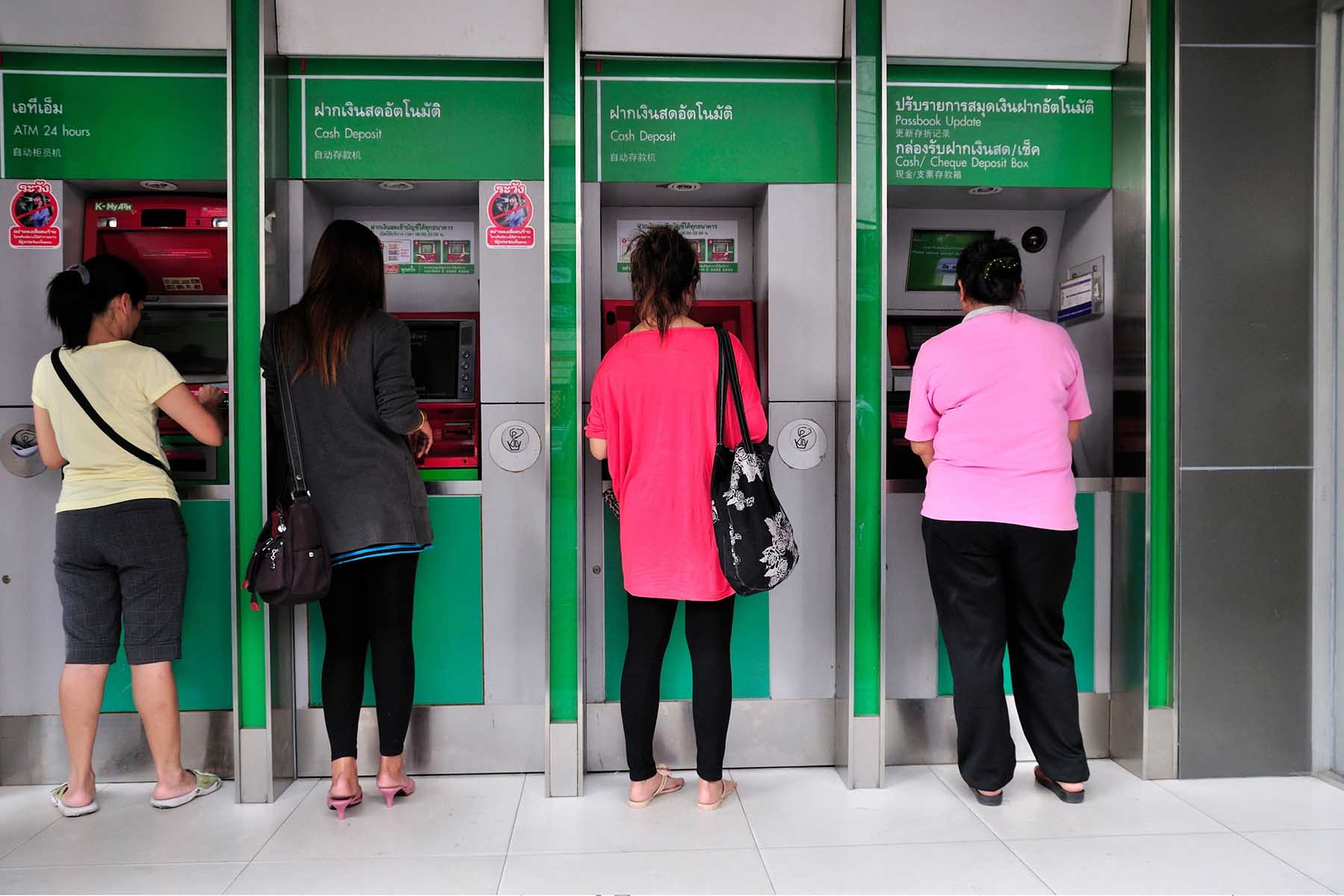
How to use PromptPay QR codes in daily life
Open the banking app or supported wallet you plan to pay from.
Tap the scan option and point your camera at the merchant QR.
Check whether the QR is static or dynamic. A static QR may require you to manually enter the amount, while a dynamic QR may fill it in for you.
Review the amount in THB, the funding source, and any exchange rate or fee shown by your provider.
Approve the payment and show the staff the successful payment screen before leaving.
Smaller merchants might not recognize QR codes on foreign apps. If a QR does not scan or the route is unsupported, ask for another payment method, try a card, or fall back to cash.
How to recognise a genuine PromptPay QR code
At the counter, you may see the PromptPay logo, a Thai QR payment sign, or a printed merchant QR stand. That tells you the merchant can accept a local QR payment, but it does not automatically mean your foreign app will work.
International compatibility is a separate question. If you are using a cross-border route, also look for any extra acceptance marks shown by the merchant, such as Alipay+. That extra mark can matter just as much as the PromptPay icon.
Wise: A practical alternative for expats
Wise is most useful when you need a workable bridge rather than full local bank replacement. For many expats, that means sending money to Thailand, holding and converting funds in a Wise account, or using the Wise Card while local banking is still being sorted.
If you already have a personal account with Wise that’s linked to a registered Thai address, you may be able to take advantage of the following benefits:
- Scanning and paying individuals and businesses using PromptPay QR codes, and Thai QR codes.
- Making local transfers to any PromptPay ID (mobile number or citizen ID), and receiving payments through an e-wallet ID or PromptPay QR. In both instances, this is capped at 10,000 THB per transaction, alongside the limits in your Wise account.
These features are being progressively rolled out, depending on when you first signed up with Wise. The full details are available on Wise’s Help page.
Importantly, the above benefits don’t apply if you’re a visitor with a Wise account that was registered outside of Thailand. In your case, not every PromptPay QR or Thai QR will be supported.
Using Wise to pay, send money, or close the gaps
- Send money to Thailand: Wise can help you move money in from abroad before your local bank account is ready.
- Hold and convert funds: A Wise account can help you to store money in different currencies and convert it as needed before you spend.
- Use a card where cards are accepted: A Wise card can serve as a fallback for merchants that accept cards.
- Pay some supported QR codes: Eligible Wise customers can use the app to pay supported QR networks, including Alipay+ powered QR codes, in specific countries. However, not every PromptPay QR code in Thailand will work. This depends on the merchant’s QR setup, your Wise account country, and current product availability
For a bigger picture on international money transfers in Thailand, compare bank and specialist routes before you fund everyday spending. If Wise fits your setup, check product availability and QR support for your region before you rely on it in Thailand.

Fees, limits, and safety checks before using PromptPay
The Bank of Thailand’s standard PromptPay fee bands are free up to THB 5,000, less than THB 2 up to THB 30,000, less than THB 5 up to THB 100,000, and less than THB 10 above that up to the bank’s limit. Many banks waive digital payment fees, but you should still check your own bank or provider’s rules.
Limits matter just as much as fees. Bank apps set their own transfer ceilings, tourist products can have top-up and monthly caps, and a foreign wallet or card may add exchange costs that are easy to miss if you only look at the THB amount on screen.
Before you rely on PromptPay, check:
- If your bank or wallet waives small digital payment fees
- Your per-transaction and daily payment limits
- Whether a foreign wallet or card adds conversion or foreign transaction costs
- The merchant name and amount before you tap confirm
- The “live” help page for your bank, TAGTHAi, or Wise if your route is new or time-sensitive
FAQ
Frequently asked questions about PromptPay Thailand
Can foreigners use PromptPay in Thailand? 
Yes for some foreigners, no for others. If you already have an eligible Thai bank account, the route is usually much simpler. If not, you may need a tourist wallet, a partner app, or a backup such as Wise.
Which banks support PromptPay?
Most major local banks do, including Bangkok Bank, Kasikornbank, Krungthai Bank, SCB, and Krungsri. For expats, the bigger difference is how each bank handles account opening, app setup, and passport-based registration.
Is PromptPay linked to my bank account?
Generally, yes. Your mobile number or Thai Citizen ID usually points to a Thai bank account that receives the money, so the key question is whether your bank will let you register that identifier on your account.
Can I use Wise to scan a PromptPay QR code in Thailand?
Only in supported cases. Wise QR payment codes depend on your account country, the merchant’s network marks, and current Wise support, so treat it as a useful option, not a guarantee that every PromptPay QR in Thailand will work.
What is the PromptPay logo or icon?
It is the branding printed on many Thai QR stands and payment signs. Use it to spot a local QR route, but check for extra acceptance marks if you are paying with an overseas app.
Does PromptPay work internationally?
Mainly, no. PromptPay is designed for Thailand, but selected cross-border QR and remittance links exist with specific partner countries and providers, so PromptPay international access is route-specific rather than universal.
Useful resources
(Checked 14th September 2026)
- Bangkok Bank – Official website for personal banking information
- Bank of Thailand – All about PromptPay
- Bank of Thailand – Cross-border payment linkages in Asia
- Bangkok Bank – Using PromptPay with Bangkok Bank
- CIMB Thai – Official website for personal banking information
- Kasikorn Bank – Official website for personal banking information
- Krungsri Bank – Official website for personal banking information
- Krungthai Bank – Official website for banking information
- Siam Commercial Bank – Official website for personal banking information
- TAGTHAi – Using TAGTHAi’s EasyPay as a foreigner
- Wise Help Centre – How to pay with a QR code as a foreigner


